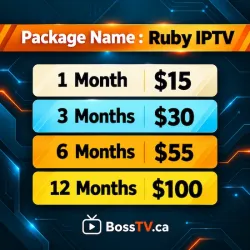
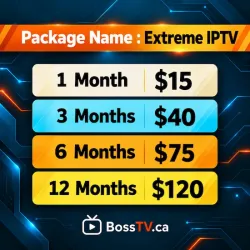
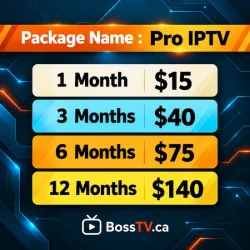
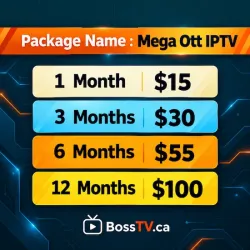



Why Choose BossTV USA?
IPTV for Firestick, Smart TV & Android
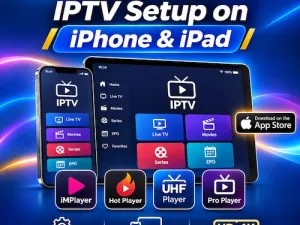
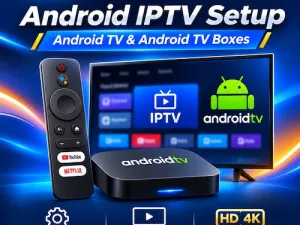
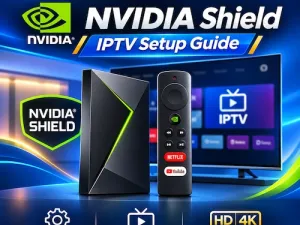
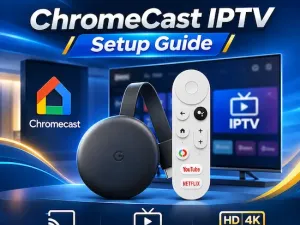
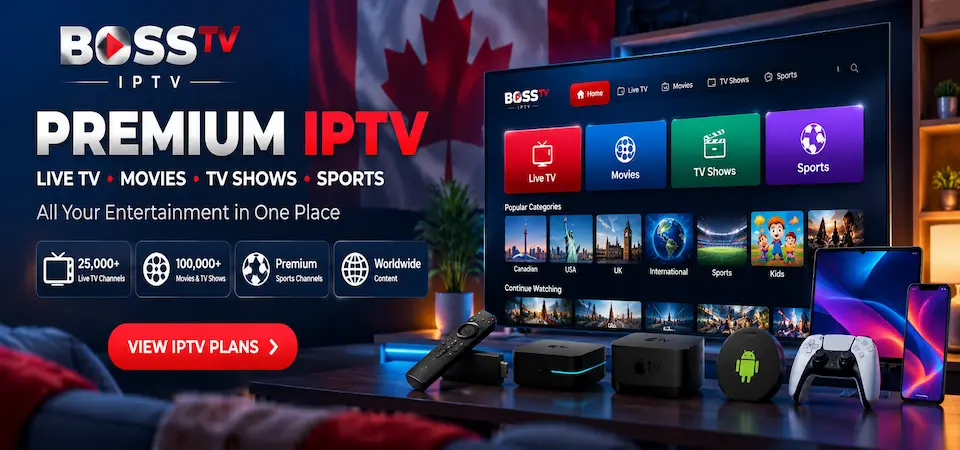
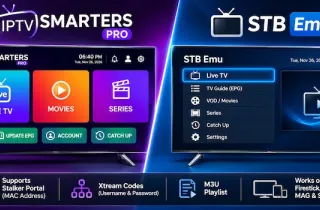
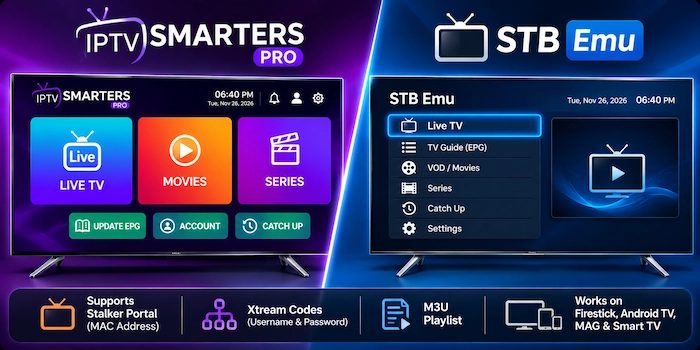
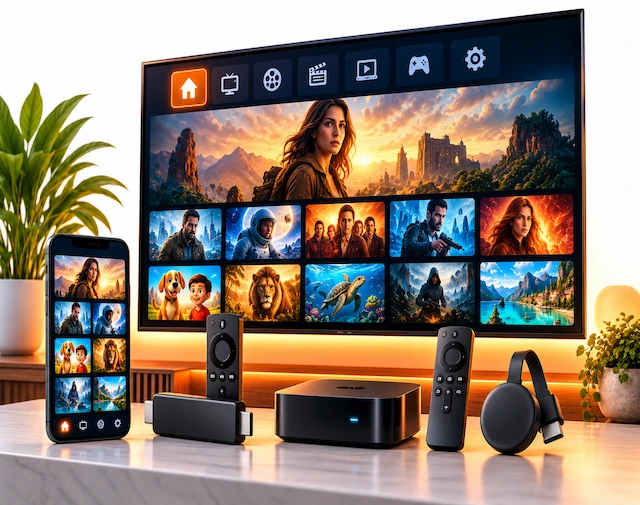
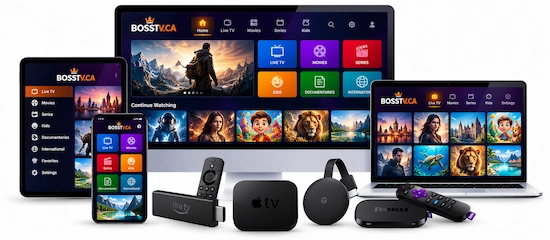
Enjoy IPTV USA subscriptions on compatible Amazon Fire TV Stick, Android TV, Google TV, MAG boxes, Formuler, BuzzTV, Apple TV and Smart TVs. Choose supported applications such as IPTV Smarters Pro, TiviMate or STB Emu according to your subscription's connection format.
HD & 4K IPTV Streaming Options
Explore HD, Full HD and available 4K IPTV channels through BossTV's Stalker and Xtream Codes servers. Enjoy American entertainment, live TV and sports programming with compatible devices and sufficient internet speed. Catch-up features are available on supported channels and packages.
Multi-Connection IPTV Plans for Families
Looking for IPTV on multiple devices? Select eligible multi-connection IPTV subscription plans to watch different programs on supported televisions, Firesticks and mobile devices. The number of simultaneous streams depends on your selected IPTV server and package.
Electronic Program Guide (EPG) Support
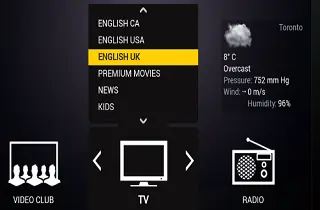
Browse available USA live TV schedules and upcoming programs using compatible IPTV players. Supported Xtream Codes and M3U applications can display electronic TV guide information, while compatible Stalker Portal devices offer guide navigation where EPG data is supplied by the selected server.
Movies, TV Series & Video on Demand
Explore available on-demand movies, television series and international entertainment with BossTV USA IPTV packages. Browse supported VOD libraries through compatible applications, with HD and 4K playback options depending on the content, player and subscription.
Stalker 4K, Xtream Codes & M3U IPTV Servers
Choose between Stalker 4K IPTV subscriptions using MAC address and portal activation, or Xtream Codes and M3U IPTV subscriptions using supported login credentials and playlists. Find a connection format that works with your preferred MAG box, Formuler device, Firestick or compatible IPTV player.





-204x120.webp)